
In the rapidly growing digital textile printing industry, DTF (Direct-to-Film) printing has emerged as a key technology in the field of custom apparel decoration, thanks to its vibrant colors, broad fabric compatibility, and ease of operation. For printing service providers who strive for high-quality output, every step — from artwork preparation to equipment matching, material selection, and post-print care — directly impacts the success of the final product.
This article provides a comprehensive overview of common design mistakes in DTF printing, key design principles, a complete production process, and care guidelines to help you improve print quality and streamline your workflow.
Although DTF technology supports full-color printing, not all designs are suitable for successful transfer. The following types of artwork are common causes of quality issues in finished products:
DTF printing requires a layer of hot melt powder to be applied to the back of the design. Small and thin elements lack sufficient bonding surface, making them prone to peeling after transfer. Gradients made up of tiny dots may result in rough edges and patchy images due to insufficient ink density.
DTF printing does not support transparency or low-opacity elements. These areas either won't appear at all or will display inconsistent colors in the final print. It's best to avoid using such elements entirely.
When the design contains large solid areas — especially on lightweight fabric — the finished print may have a "plastic feel" and reduced breathability, which affects both comfort and appearance.
Black-on-black prints often appear faded or unclear and can easily "disappear" on dark garments. When printing on dark fabrics, it's recommended to use a white ink underbase and adjust the color contrast to enhance visibility.
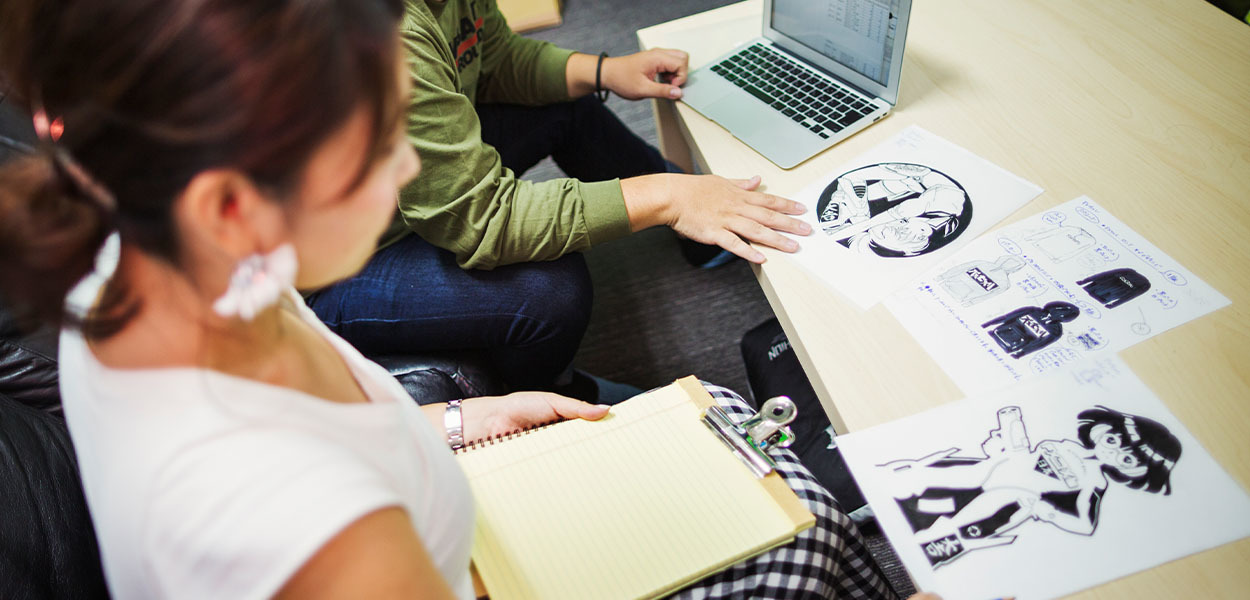
To achieve high-quality DTF print results, adhere to the following design specifications:
Use high-resolution images between 150–300 DPI. PNG and JPEG are preferred for raster images. For vector elements such as logos, use SVG or AI formats to prevent blurriness. Simply enlarging a low-resolution image does not increase its quality — a pixelated image will remain pixelated when scaled.
Design your artwork using the sRGB IEC61966-2.1 color profile to minimize color discrepancies and ensure the printed colors closely match your screen. For complex images, export using CMYK mode to maintain transfer accuracy.
Leaving transparent gaps in the artwork can reduce film thickness, making the print more flexible and breathable while minimizing material waste.
Blurry or soft-edged elements may suffer from poor ink adhesion, resulting in jagged or broken lines. Sharp, well-defined edges are recommended for better overall print quality.
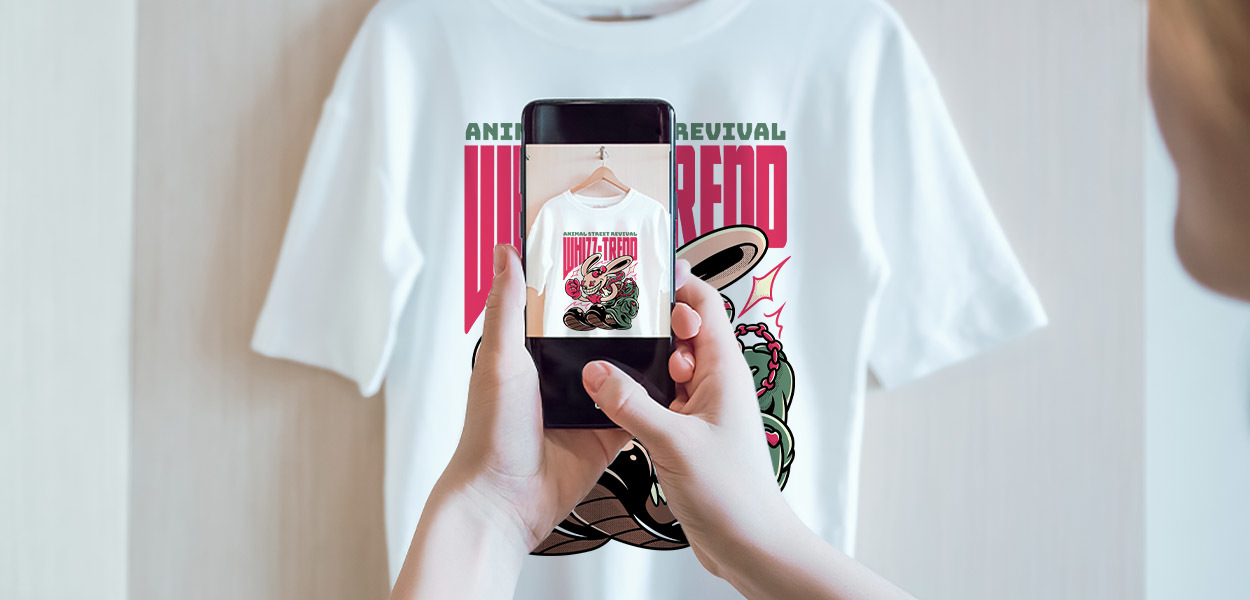
To produce professional-quality DTF transfers, good design must be supported by a well-managed production process. Here's the standard DTF workflow:
Ensure the artwork is in high resolution (ideally 300 DPI). Text and logos should be in vector format, and CMYK color mode should be used to match printer output settings.
RIP software bridges your artwork and the printer. Proper configuration of color management, white ink layering, and ink volume control is essential for accurate print results.
The DTF film should offer strong ink absorption and fast drying. The adhesive powder must melt evenly and provide excellent bonding. Low-quality consumables can result in blurred images, flaking powder, or uneven prints.
Regularly check nozzles and calibrate printheads. Ensure smooth white ink circulation to prevent clogging, banding, or line breaks.
Always run a test print before mass production. Check for alignment, clarity, and color saturation. Fine-tune print mode or DPI as needed based on the test output.
Set appropriate temperature, pressure, and time according to the fabric type. A pre-press is recommended to remove moisture and wrinkles, improving adhesion.
After transfer, inspect the print for clean edges, powder loss, misalignment, or color shifts. Only package and ship once quality is confirmed, which enhances brand professionalism and customer satisfaction.
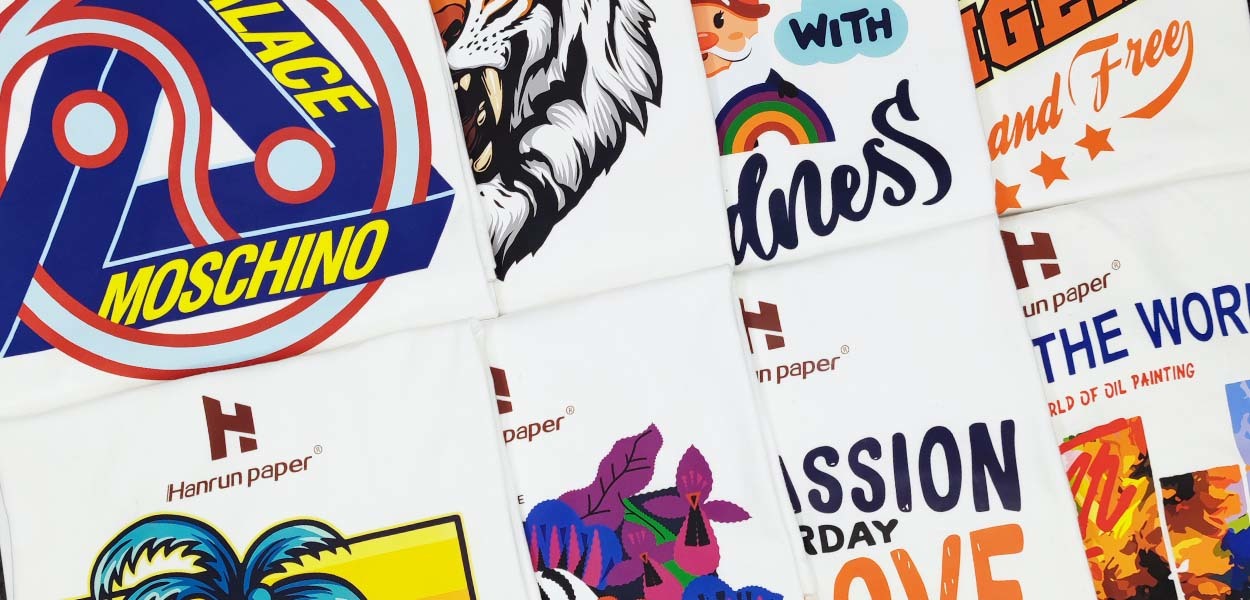
Even with top-quality equipment and consumables, improper garment use or washing can lead to cracking or peeling of the print. Here are the recommended DTF care instructions:
DTF printing is a sophisticated process requiring precise coordination between design, equipment, materials, and post-print care. Any mistake in one link can compromise the final result. As a professional DTF printing solution provider, Hanrun Paper is committed to offering systematic, standardized, and ready-to-implement solutions. We help apparel decorators and print shops handle orders efficiently and consistently deliver high-quality results.
If you would like to learn more about DTF printers, inks, films, or our complete DTF printing solutions, feel free to contact us for personalized expert support.

